ReleaseNotes

Release notes that write themselves

AI-powered updates that free your product team to focus on innovation, not documentation.

Your agent drafts

Let your AI do the heavy lifting

The ReleaseNotes MCP gives your agent everything it needs to summarise your team's work into a clear draft in your voice.

MCP session / live
releasenotes · agent session
connected to your shipped work
◆you "Draft a release note for PR #482"
agent calling ReleaseNotes MCP...
◆draft writing in your product voice
category: Improvement · tone: matched
✓saved draft ready in ReleaseNotes
open editor → review title, copy, and imagery
draft created in 1.8s
You review

Review every release before it goes live

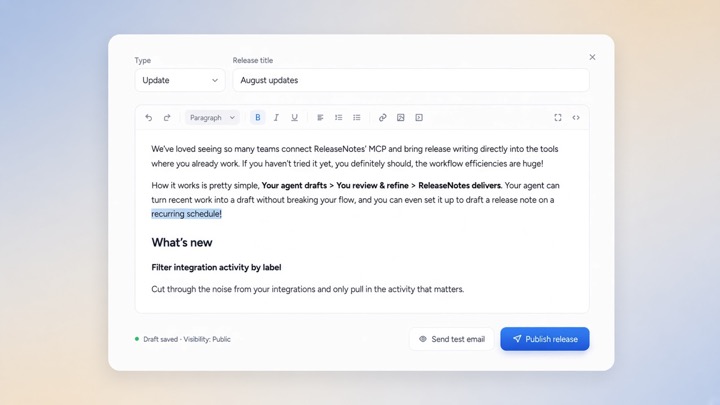
While AI is great at creating the first draft, you still want to make it unmistakably yours. The ReleaseNotes editor lets you refine the message, perfect the imagery, and ensure every detail is accurate before sharing it with your customers or team.

Release editor / preview
ReleaseNotes editor showing a product update ready for review
ReleaseNotes delivers

Publish your release notes everywhere

Publish once and keep customers, teammates, and stakeholders informed through the channel that works for them.

Private or public.

Share updates with everyone, or keep sensitive releases limited to customers and stakeholders.
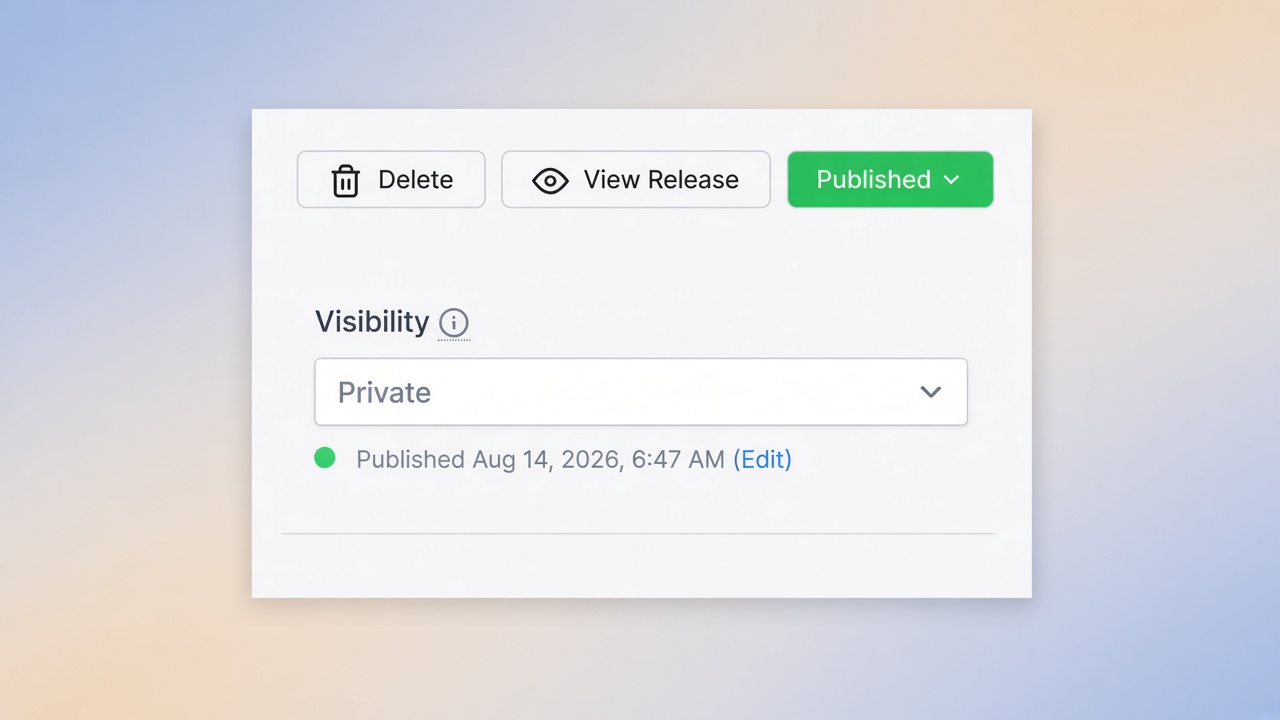
Release visibility controls in ReleaseNotes

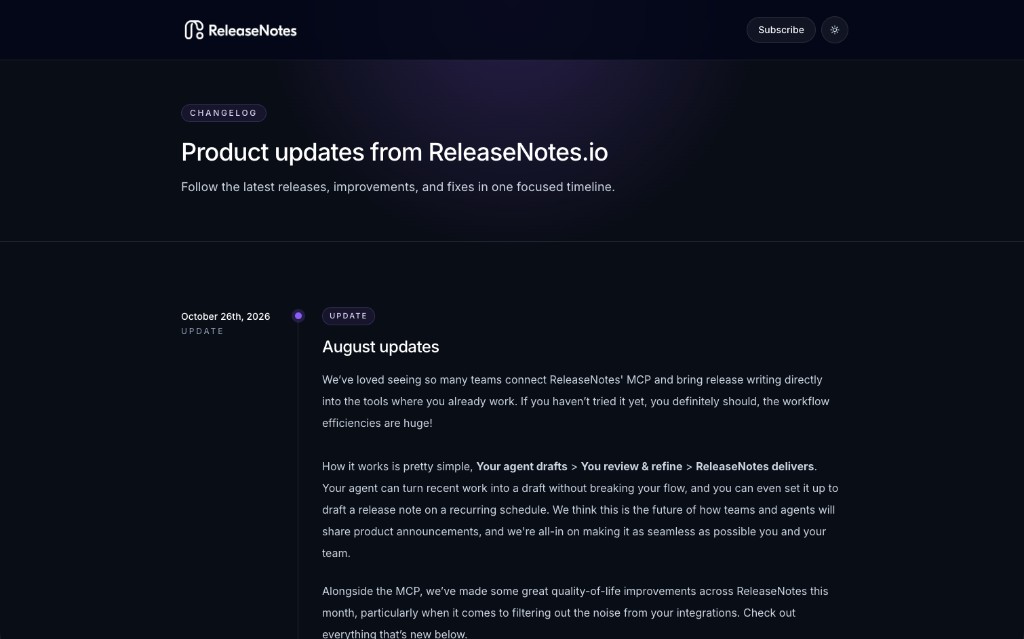
A changelog that feels like you.

Start with one of our beautiful hosted templates or fully customise the HTML and CSS to match your brand.
A custom branded changelog powered by ReleaseNotes

In-app popup.

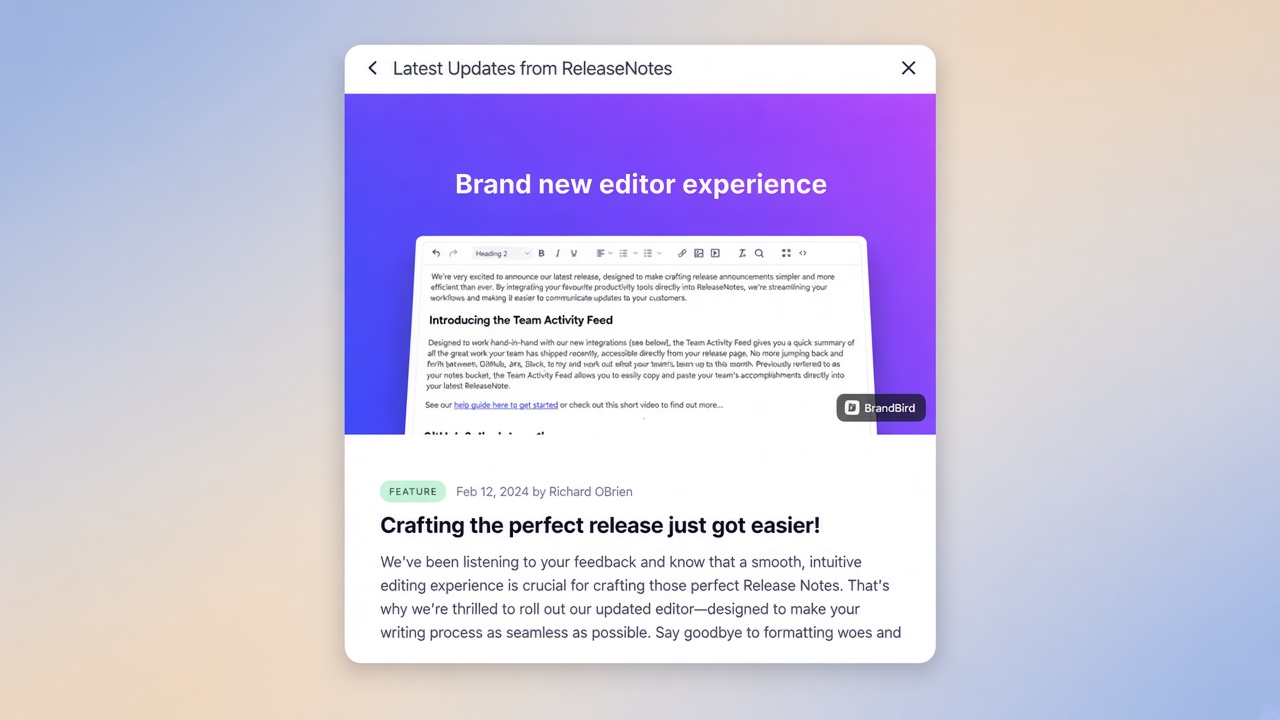
Put the latest product news inside your app, so customers see updates where they already work.
ReleaseNotes announcement popup inside a product

Email notifications.

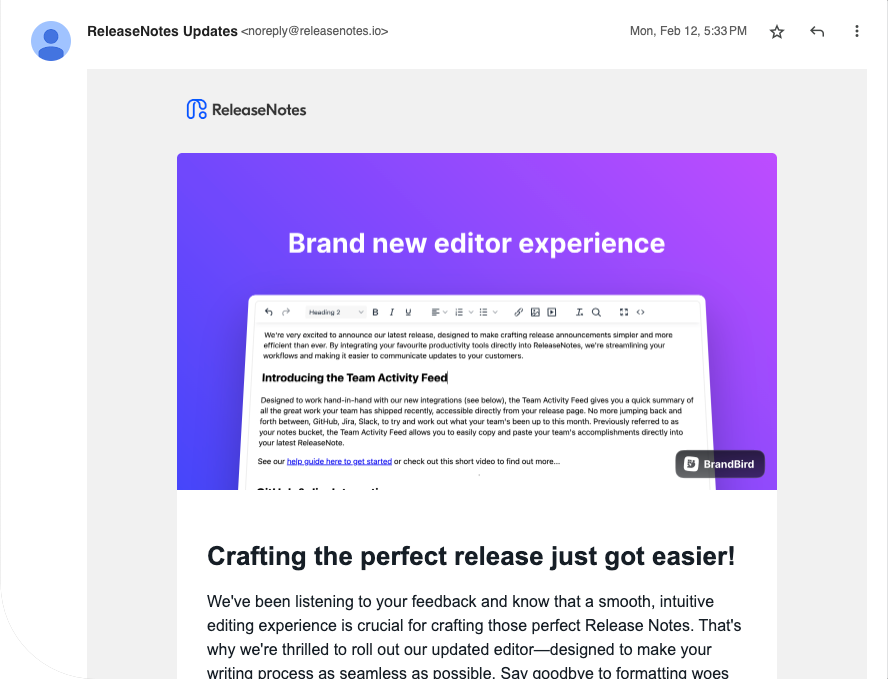
Let customers subscribe, then send the finished release directly to their inbox with one click.
A release note delivered by email

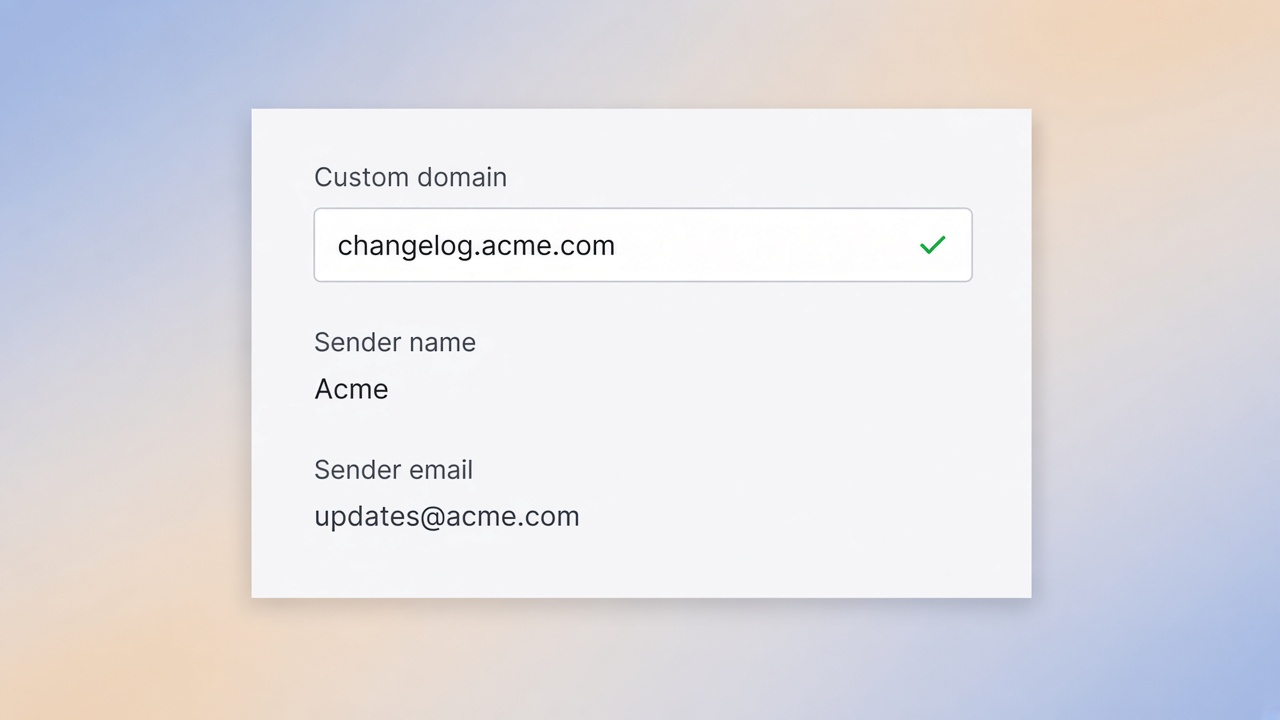
Custom domain and sender.

Host the changelog on your own domain, and send release emails from your brand's name and address.
Custom domain, sender name, and sender email settings

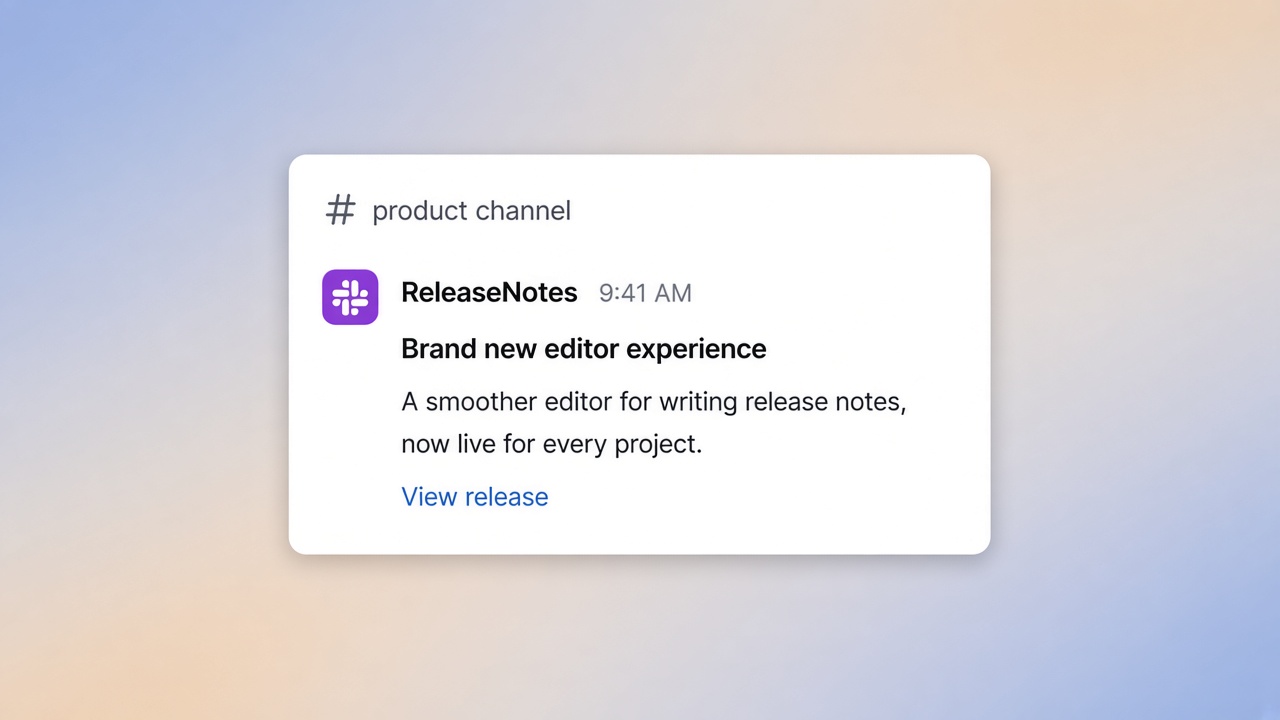
Slack notifications.

Post the finished release into a Slack channel so your team sees the update where they already work.
A release note published into a Slack channel
Verified customer
“ReleaseNotes AI feature cut our update time by 80%.”
Stephen from BugHerd
Stephen
CEO @ BugHerd

Got Questions?

Quick answers about ReleaseNotes plans, features, and how teams publish product updates.

See all FAQs